Range and cooktop controls
Controls should be visible and reachable without crossing a hot burner. Some designs place controls on the front or upper front surface, while others require reaching over cookware.
CPSC emphasizes staying in the kitchen while cooking and keeping attention on the stove. Automatic features can assist, but they do not replace attentive cooking.
Induction cooking
Induction cooktops heat compatible cookware through magnetic energy and the surface often stays cooler than a traditional radiant element, although it can still become hot from the pan. They can offer fast response and easier cleanup.
They require compatible cookware and an appropriate electrical installation. Some users find touch controls less intuitive than physical knobs, so test the interface.
Ovens
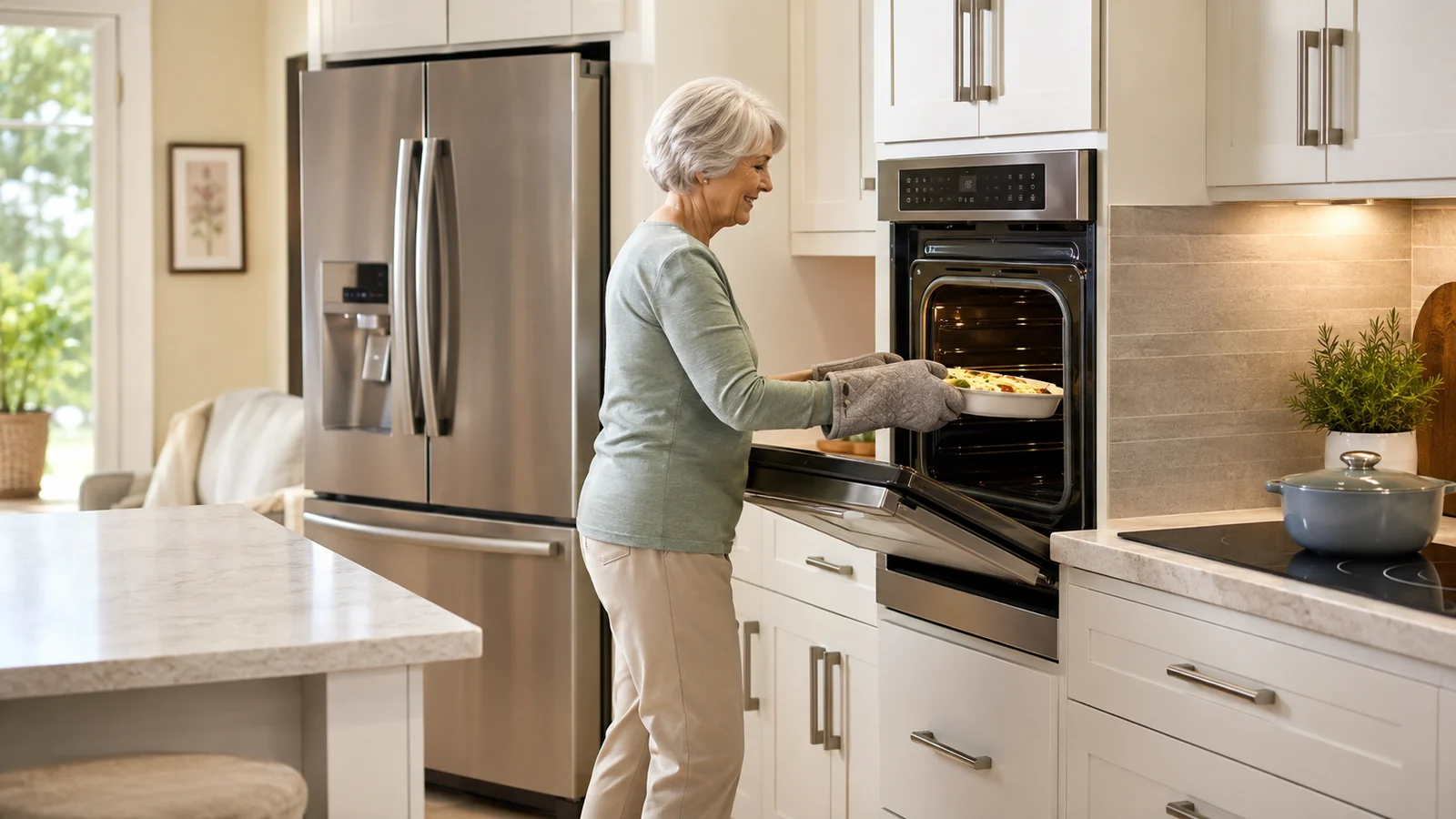
Side-opening doors, French doors, wall ovens, sturdy racks, and full-extension rack systems can reduce bending and reaching over a hot door. Placement matters: an oven installed too high can make heavy dishes difficult to lift safely.
Controls should be readable from the normal standing or seated position.
Refrigerators
French-door and bottom-freezer layouts can keep many refrigerated foods near eye level. Pull-out freezer drawers improve visibility but can become heavy when overfilled.
Door bins, shelf depth, handle force, and interior lighting are worth testing in person.
Dishwashers
Raised dishwashers reduce bending but change counter layout. Standard machines can become easier to use with smooth-rack slides, light doors, visible controls, and nearby dish storage.
Do not create a raised platform that compromises stability or manufacturer installation requirements.
Microwaves
Over-the-range microwaves save counter space but require lifting hot food from above eye or shoulder level for some users. Countertop, drawer, or lower wall-mounted models may reduce that reach.
Microwave drawers can be convenient but should be tested for control visibility and the motion required to open and close them.
Smart features
Remote alerts, timers, and diagnostics can be useful, but essential appliance functions should remain understandable locally. A stove that is easy only when the app is working is not truly easier.
Consider who will troubleshoot the device when Wi-Fi, an account, or a software update fails.
Quick Reference
| Appliance | Helpful feature | Watch for |
|---|---|---|
| Range/cooktop | Visible reachable controls | Reaching over heat; confusing touch panels |
| Oven | Slide-out racks; accessible door | Heavy dishes; installation height |
| Refrigerator | Bright interior; eye-level daily food | Heavy lower drawers |
| Dishwasher | Smooth racks; visible status | Low loading height |
| Microwave | Lower placement | Lifting hot food from overhead |
| Smart appliances | Alerts and diagnostics | App/account dependency |
Choose controls you can see and understand
An appliance may have dozens of features but still be difficult to use if the controls are small, low contrast, or hidden behind menus. Look for clear labels, readable displays, and controls you can operate without a long sequence of steps.
Try the appliance in person when possible. Open the door, pull out the racks, and imagine using the controls with your usual lighting and glasses.
Keep hot surfaces easy to recognize
Cooktops and ovens should make it clear when a surface is on or still hot. Indicator lights, front-mounted controls in a safe position, and clear burner markings can help.
If you are considering induction, understand that the cookware must be compatible and that the cooktop still requires normal attention around hot pans and food.
Check door and rack height
A low oven can require deep bending, while a microwave installed above a range may require lifting hot food above shoulder height. Dishwasher racks can also be awkward if they are hard to pull out.
Choose appliance placement around the tasks you perform, not simply around a standard kitchen layout.
Treat smart features as optional
Remote alerts, app controls, and voice features may be convenient, but they should not be required for basic operation. An appliance should still be understandable at the control panel.
If a smart feature requires an account or subscription, know what happens if the service changes or the home internet is unavailable.
Choose the next change around the way you actually use the kitchen
You do not need to make the kitchen look different simply because you are over 55. Focus on the repeated task that feels awkward, tiring, hard to see, or difficult to reach. Solve that problem first, then see whether the rest of the room still works well.
If a change involves cabinetry, electrical work, plumbing, structural changes, gas, or another specialized task, use qualified help for that part of the project. A clear explanation of the problem you are trying to solve will make it easier to compare recommendations.
Keep the kitchen easy to maintain
A kitchen improvement should not create a new cleaning or maintenance burden. Pull-outs need to move smoothly, mats need to stay flat, lighting needs reachable controls, and frequently used surfaces should be simple to wipe down. Think about who will clean, repair, or adjust the new feature after the initial installation.
When two options solve the same problem, the one that is easier to understand and maintain may serve you better over time. Convenience only lasts when the feature continues working during ordinary busy weeks.
Make one change before rebuilding the whole room
If the kitchen does not require major construction, try the smallest practical improvement first. Move storage, change a light, add a pull-out, rearrange a work zone, or give a heavy appliance a permanent home. Then use the kitchen for several days and see whether the change solved the problem.
This approach can prevent expensive work from solving the wrong issue. It also gives you clearer information if you later hire a designer or contractor because you can explain what you already tried and what remains difficult.
Ask practical questions before you spend money
When comparing a product or renovation, ask what task it makes easier, what maintenance it requires, how it affects the surrounding space, and whether everyone who uses the kitchen can operate it. A feature is not automatically useful because it is marketed as accessible or senior-friendly.
Measure carefully and compare the full installed cost, especially when work involves cabinetry, electrical changes, plumbing, counters, flooring, or appliance relocation. Use qualified professionals where the project requires specialized work or permits.
Sources
Frequently Asked Questions
Is induction safer than a traditional electric cooktop?
It can reduce some surface-heat exposure and offers responsive control, but the cookware and cooktop can still become hot and normal cooking safety still applies.
Are front controls always better?
They can reduce reaching across burners, but accidental activation protection and the exact control design also matter.
Is a wall oven better for aging in place?
It can reduce bending if installed at a useful height, but placing it too high can make lifting heavy hot dishes harder.
Are smart appliances worth it?
Only if the smart features genuinely reduce effort and the appliance remains simple to use without them.
Should I avoid over-the-range microwaves?
Not necessarily, but they can require high reaching with hot food. Compare that motion with lower-placement options.
Keep this visual on Pinterest
Save the infographic so you can return to the checklist or comparison when you need it.
 Save on Pinterest